Getting started for students
Each student has their own personal invite code. It creates your account and links it to your student account, so you can see your own balance, trips and forms.
Don't use your family's code. The Family Invite Code is only for parents. If you don't have your own code, ask your ministry leader.
1. Open the join page
- Go to braidhq.app.
- Click New here? Join with an invite code below the Sign in button.
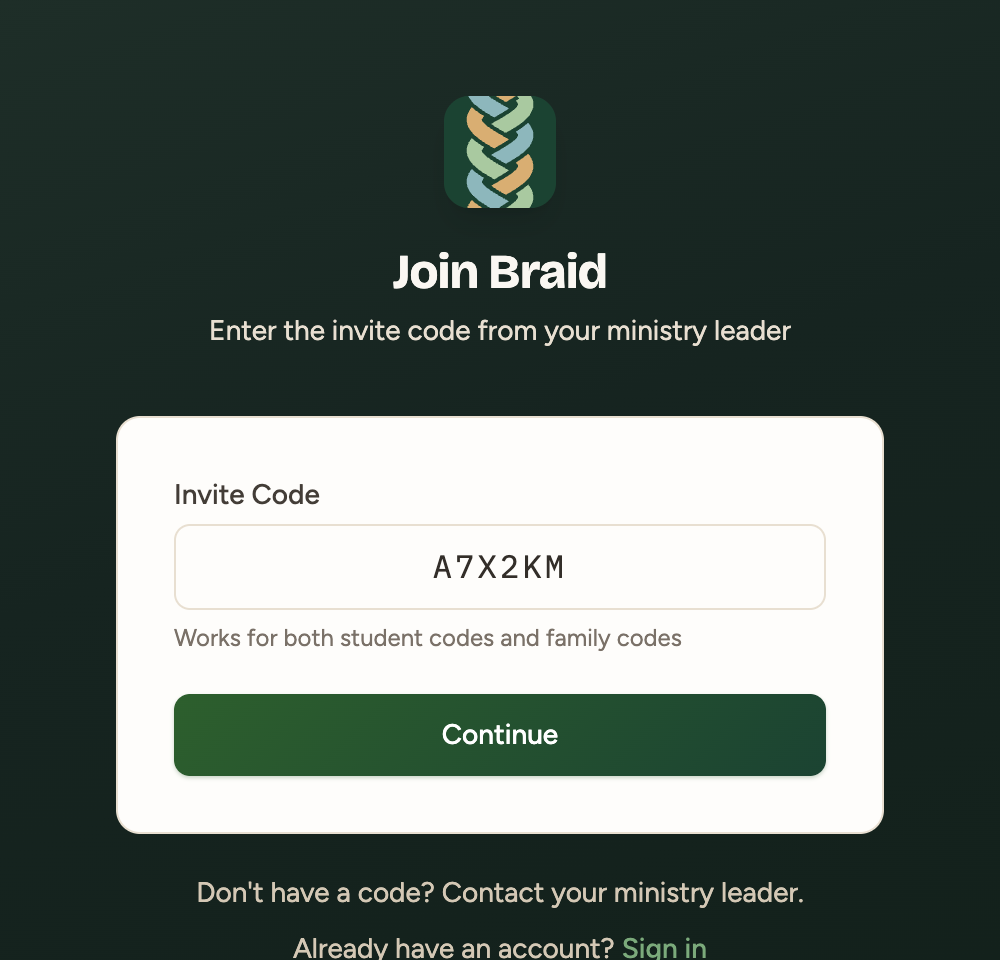
2. Enter your personal code
- Type your code into Invite Code.
- Click Continue.
3. Create your account
Enter your name, email and a password, then click Create account. Use an email you check, since that's how you'll sign in.
What you'll see
Your menu has Dashboard, Fundraisers, Trips and Forms. You can check your balance, see upcoming trips and log fundraiser hours.
"This student account is already linked to another user"? Someone has already used that code. Ask your ministry leader to check it.