Signing forms & waivers
Permission forms and waivers are signed online. Forms you still need to do appear on your dashboard and under Forms → Needs Your Attention. Registering for a trip can add new ones.
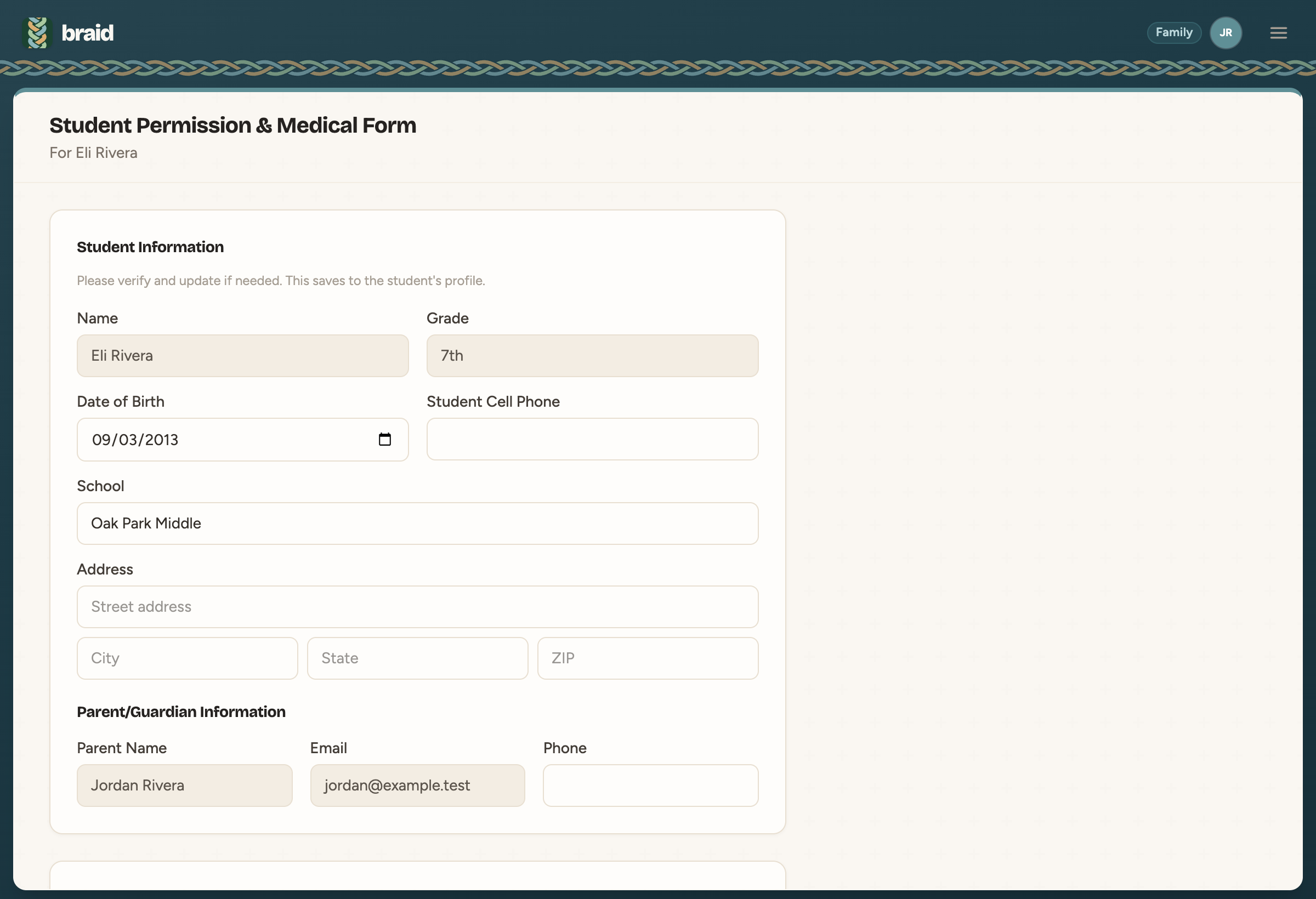
Fill out a form
- Click Fill Out next to the form.
- Check the Student Information and update anything that's out of date. Changes here are saved to the student's profile.
- Check the Parent/Guardian Information and read the release.
- Type your full legal name under Digital Signature.
- Click Submit.
Finished forms move to Completed, where you can view them again any time.