Dashboard & student balances
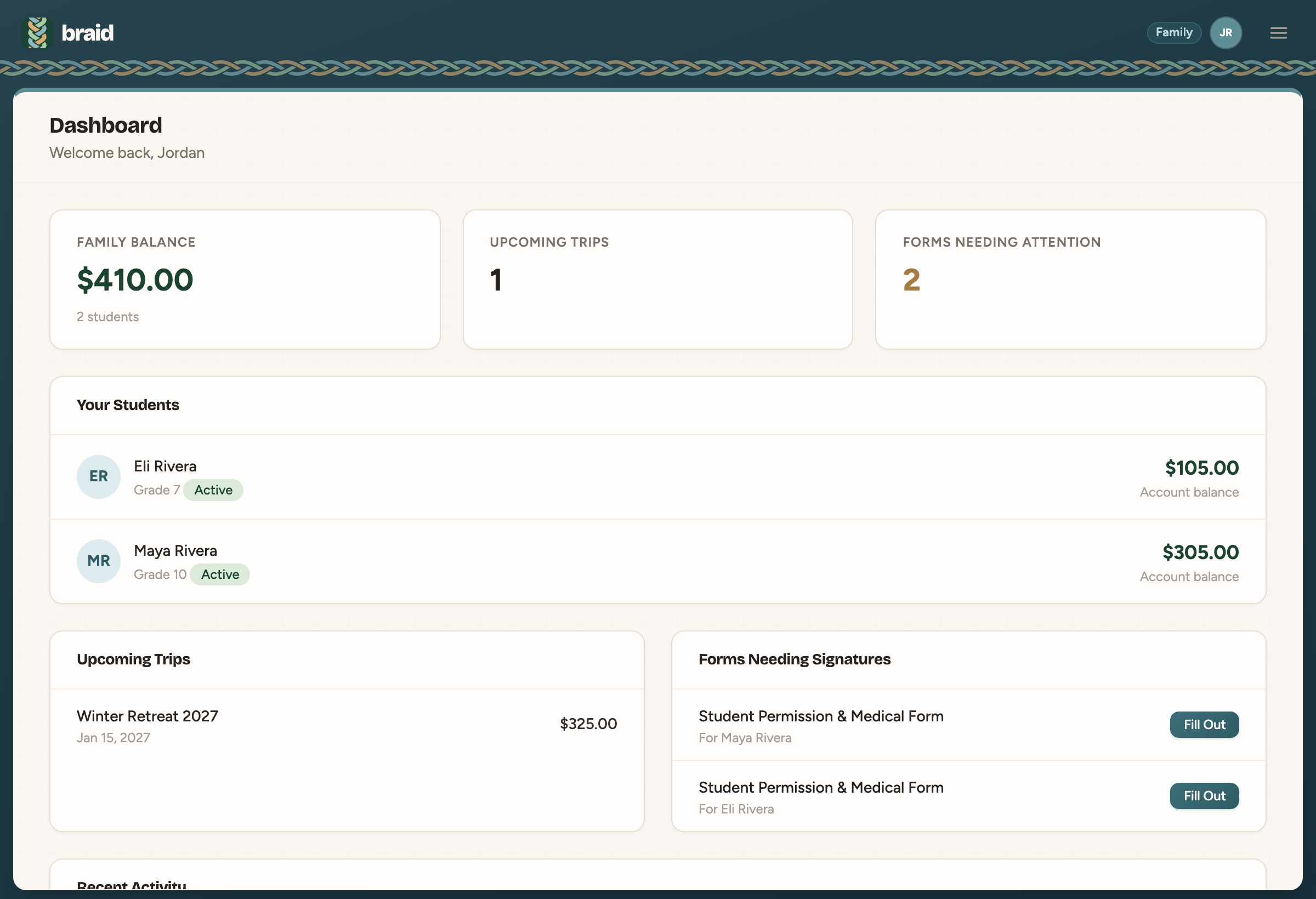
Your Dashboard is home base. It shows your Family Balance, Upcoming Trips, Forms Needing Attention, each student's account balance and recent activity.
A student's account
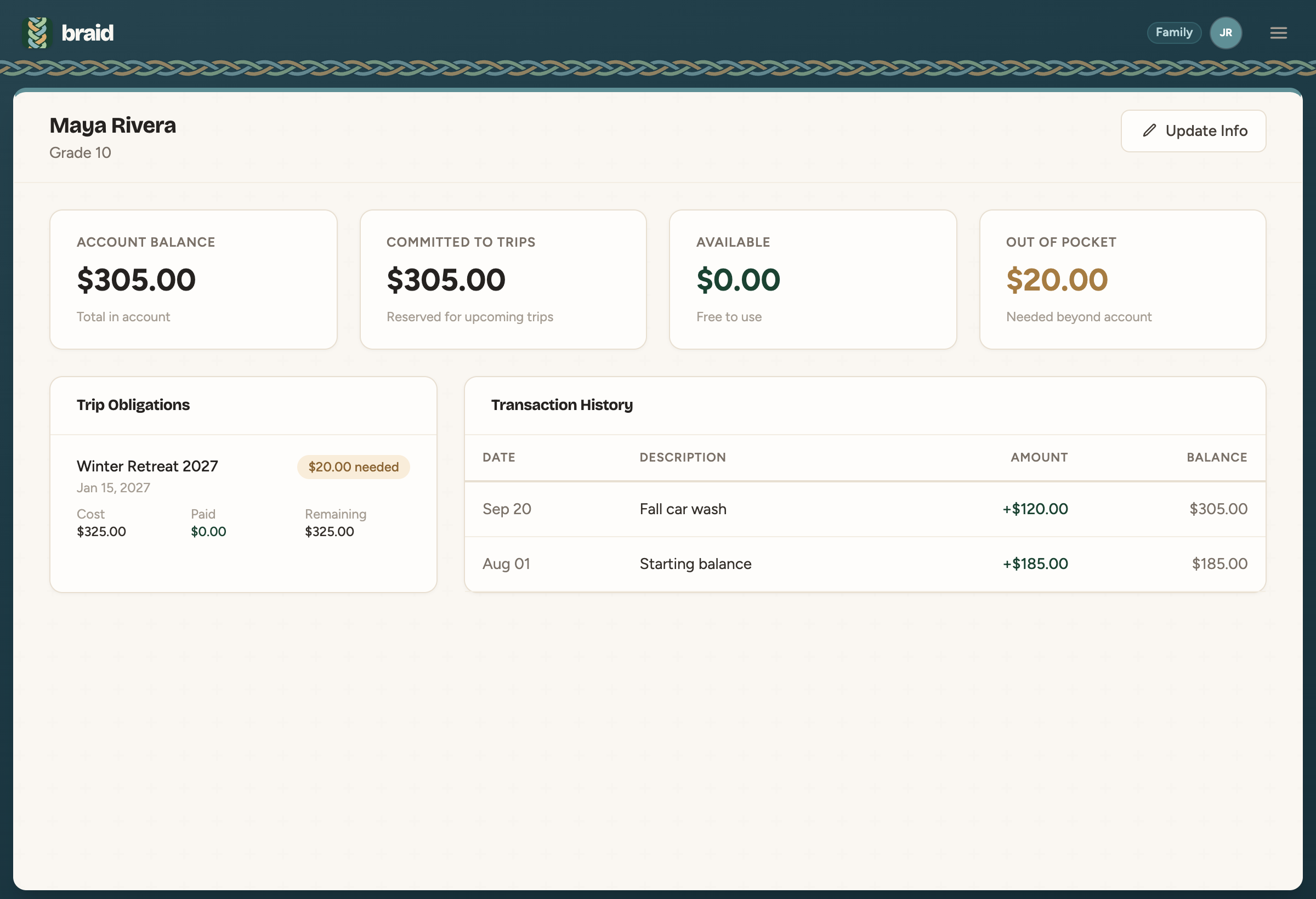
Open Students and pick a student. At the top you'll see four numbers:
- Account Balance: the total in their account.
- Committed to Trips: the part set aside for trips they're registered for.
- Available: what's left over and free to use.
- Out of Pocket: what's still needed beyond their account to cover their trips.
Below that are Trip Obligations, showing what each trip costs and what's been paid, and the full Transaction History.
Updating student info
Click Update Info to change a student's date of birth, cell phone, school or address. For a name or grade change, contact a leader.
Don't see your students? Students are added by your ministry leaders. If yours are missing, ask your leader to check that they're in your family.