Add Braid to your phone
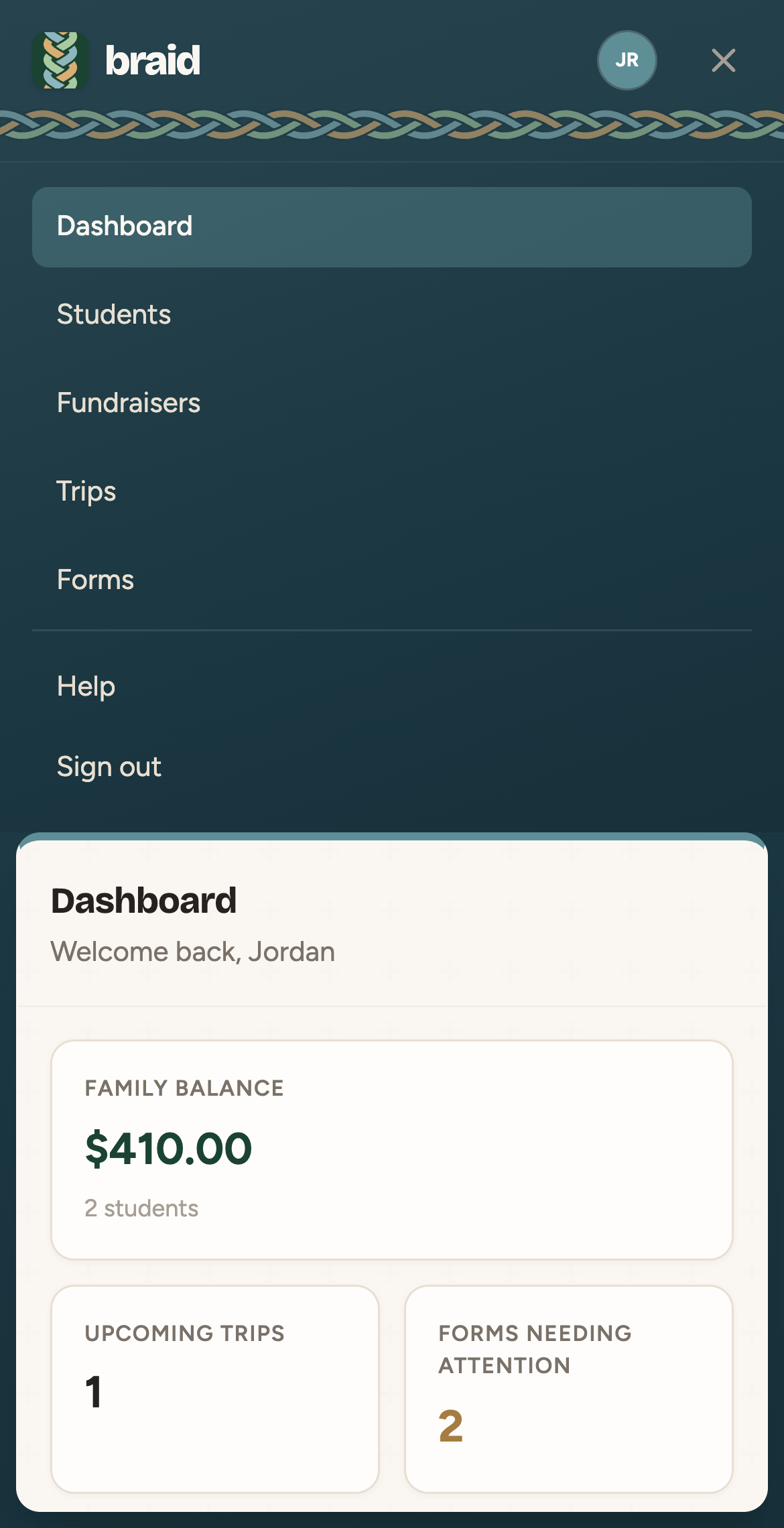
There's nothing to download from an app store. Open braidhq.app on your phone and save it to your home screen. It then opens full-screen like an app.
iPhone (Safari)
- Open braidhq.app in Safari.
- Tap the Share button.
- Tap Add to Home Screen, then Add.
Android (Chrome)
- Open braidhq.app in Chrome.
- Tap the ⋮ menu.
- Tap Add to Home screen or Install app.
Finding your way around
On a phone, tap the ☰ button in the top corner to open the menu.