Getting started for parents
Braid doesn't have a Sign up button. You create your account with the Family Invite Code from your ministry leader. The code connects your account to your family, so your students show up automatically.
1. Open the join page
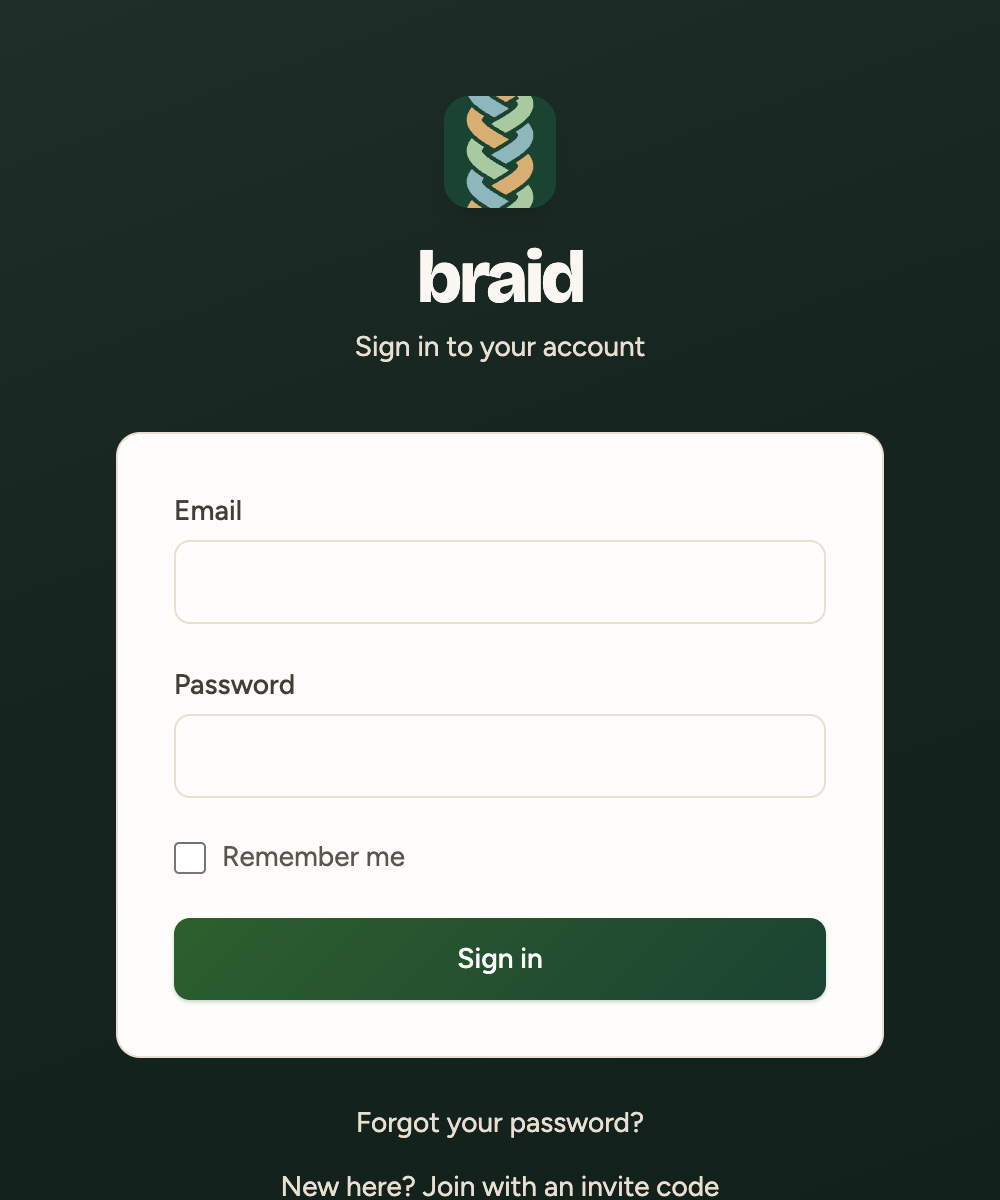
- Go to braidhq.app.
- Below the Sign in button, click New here? Join with an invite code.
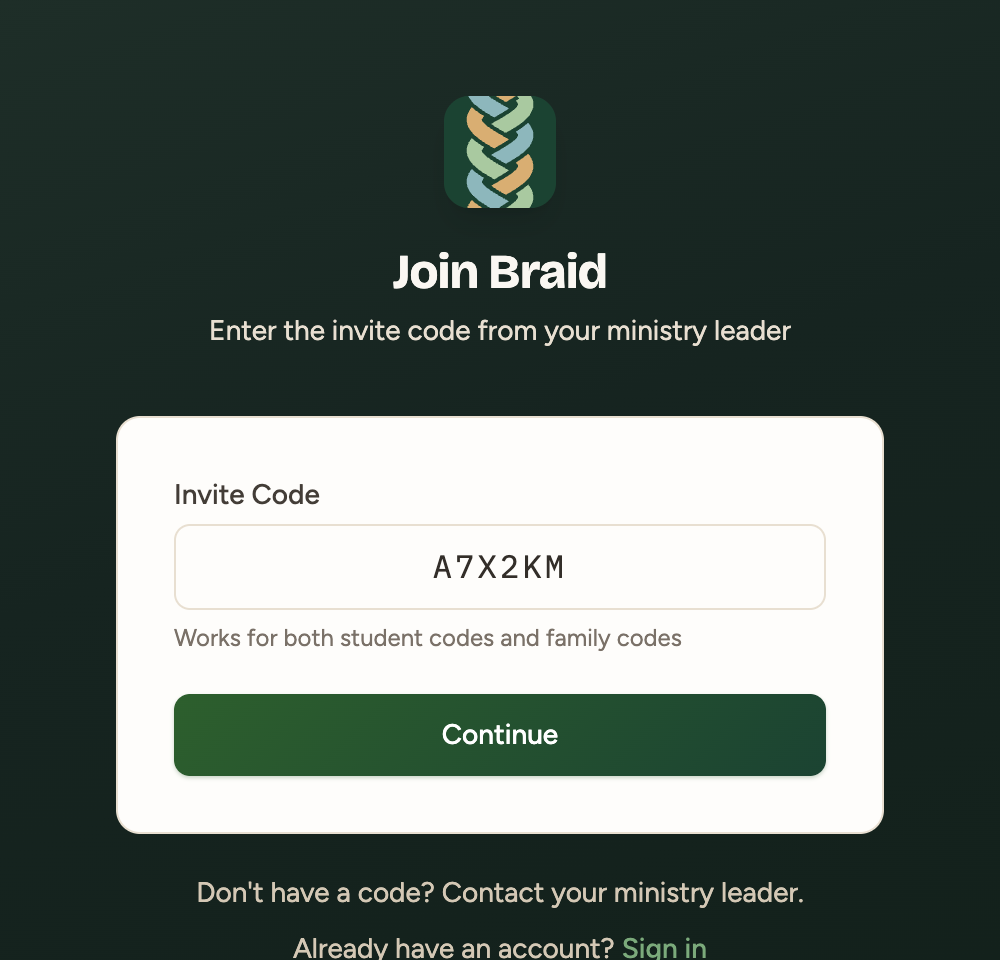
2. Enter your Family Invite Code
- Type your 6-character code into Invite Code.
- Click Continue.
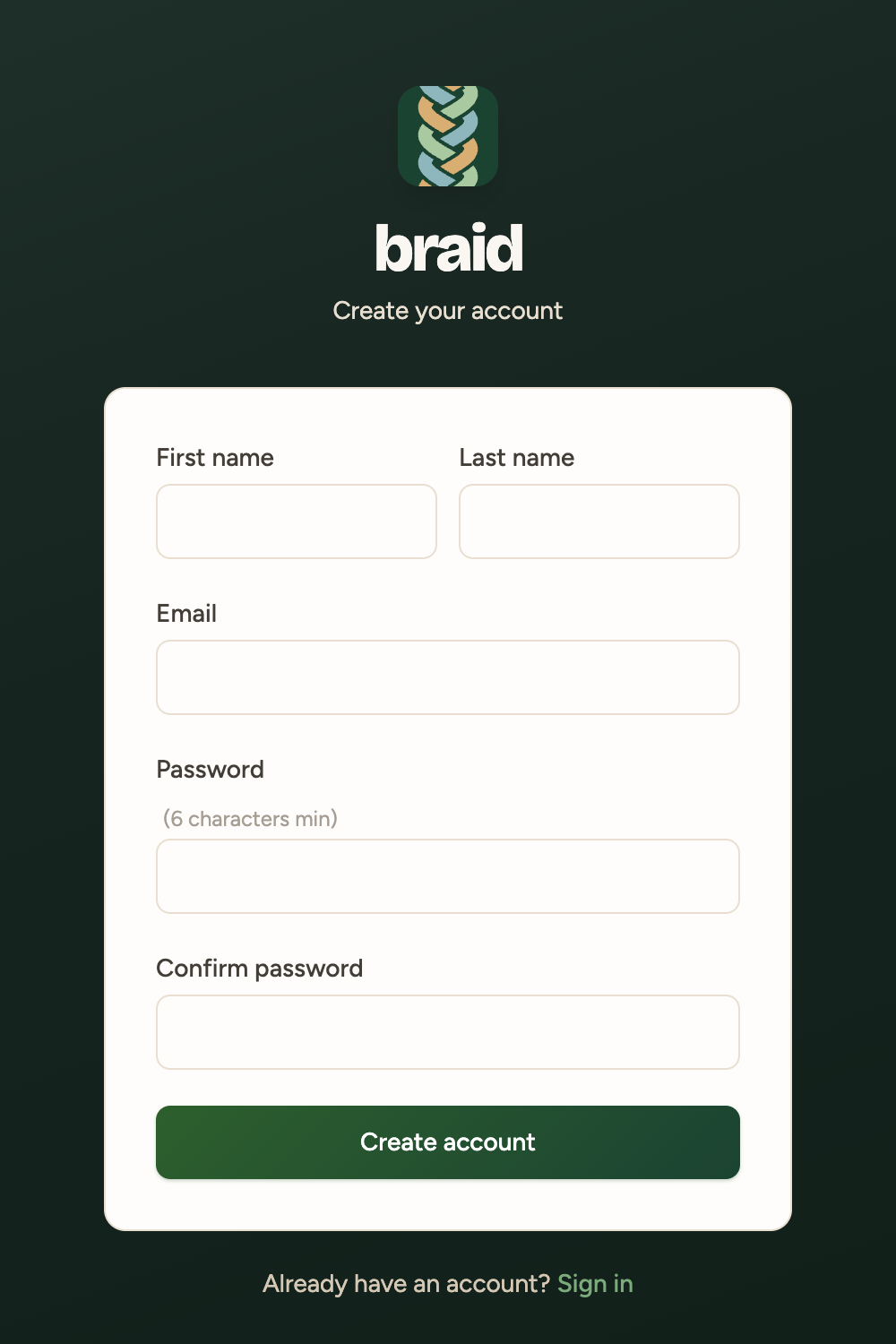
3. Create your account
- Enter your first and last name, email and a password (6 or more characters).
- Click Create account. There's no email to confirm, so you'll land on your dashboard right away.
Two parents? Each parent creates their own account using the same Family Invite Code.
Already have an account? Sign in first. Then go to braidhq.app/join and enter your code to link it.
Next: Dashboard & student balances.